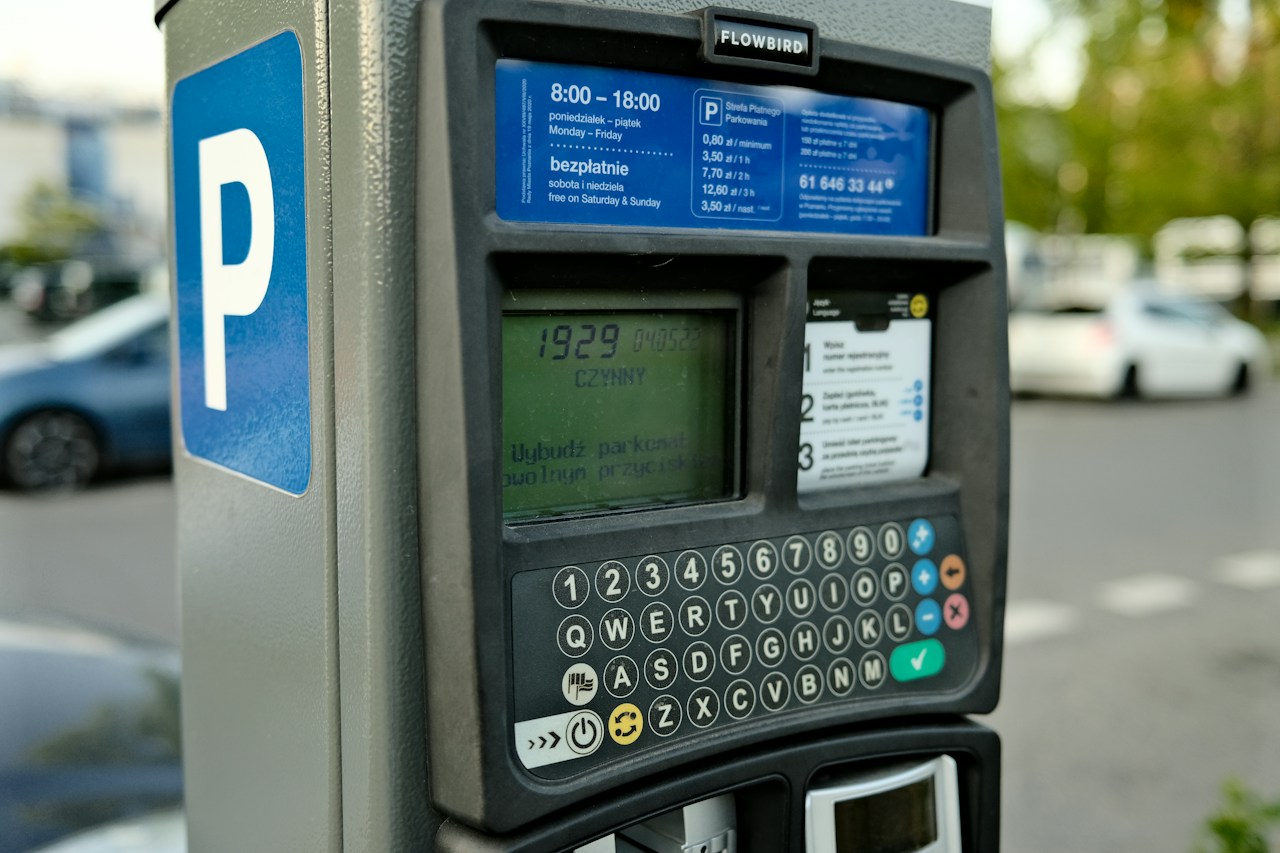
West Chester Borough’s parking technology gives drivers several ways to pay, but the right route depends on where they park and what they are paying for. An app parking session, a garage payment and a parking ticket are separate transactions.
The borough’s current instructions and ParkMobile’s guidance help explain which details to check before leaving a vehicle.
Where app and kiosk payments fit
The borough’s Parking Services page directs drivers using its lots or the first floor of the Chestnut Street garage to ParkMobile. It also lists kiosks that accept credit cards.
Both borough garages are cashless: Bicentennial at 20 South High Street and Chestnut Street at 14 East Chestnut Street. Card kiosks provide an option alongside the app.
The separate garages and lots page says most lots use ParkMobile and identifies New Street Lot 3, at West Gay and North New streets, as a monthly permit lot. Check the signs for the particular space rather than assuming every borough lot offers the same hourly payment arrangement.
What to check in ParkMobile
ParkMobile’s zone parking instructions describe a session built around a posted zone number, parking duration, vehicle plate and payment method. Enter the zone shown at the space or lot, then check the vehicle selected before starting payment.
The provider’s public FAQ explains that enforcement personnel look up the payment using the zone, plate and, where required, space number. It says a countdown appears after the session starts. Review that active session and keep its record.
The FAQ also says transaction charges vary by location and are added to parking fees. Review the total before confirming a purchase. An app map is useful for finding zones; the signs at the parked vehicle are the place to confirm which one applies.
Time limits and conflicting pamphlet instructions
The borough’s parking pamphlet describes app reminders and adding time. ParkMobile’s FAQ limits extensions to the maximum stay allowed for a space. The borough lists a three hour limit for street parking, so an app reminder is not permission to exceed that limit.
The pamphlet also prints different text payment codes and telephone prefixes on its two pages. Drivers choosing either method should confirm the current instructions with Parking Services or the signs at their parking location before making a payment.
Parking tickets use a different portal
The borough’s ticket payment page links to a separate TOCITE portal. Its public search accepts a ticket number or license plate number. That portal handles citations; a ParkMobile session pays for parking time.
Parking Services directs disputes about its tickets through the online portal. Its page separately directs disputes about tickets written by West Chester police to the police department. Check who issued the ticket before choosing a contact.
Parking Services lists 610 696 4521 for help, with office hours Monday through Friday from 8 a.m. to 4 p.m.
Residents reviewing decisions about the borough’s parking systems can use our West Chester meeting records guide to find agendas, recordings and documented votes. More local technology reporting is available in the Chester County coverage hub.
Photo: Egor Komarov on Unsplash, used under the Unsplash License. Illustrative stock photograph taken in Poznan, Poland. It does not show West Chester equipment, rates or payment instructions.
Related articles
Chester County
West Chester school cellphone rules and Pa.’s bill
WCASD already restricts personal devices and cellular connections. See how its published rules compare with Pennsylvania’s school cellphone bill.
Chester County
Chester County battery disposal: Check the type first
Chester County's 2026 hazardous waste collections have ended. Check battery types, Lanchester limits and regional options before choosing a disposal route.
Cameras and Imaging
West Chester’s 2027 drone and camera spending proposals
West Chester’s draft lists a police drone and separate camera expenses. Earlier budget records explain the grant offset behind the body camera comparison.

Chester County
Tredyffrin’s .gov transition: Website and email checks
Tredyffrin aims to finish its .gov transition by the start of 2027. Compare current township contacts with federal guidance on domains and email checks.