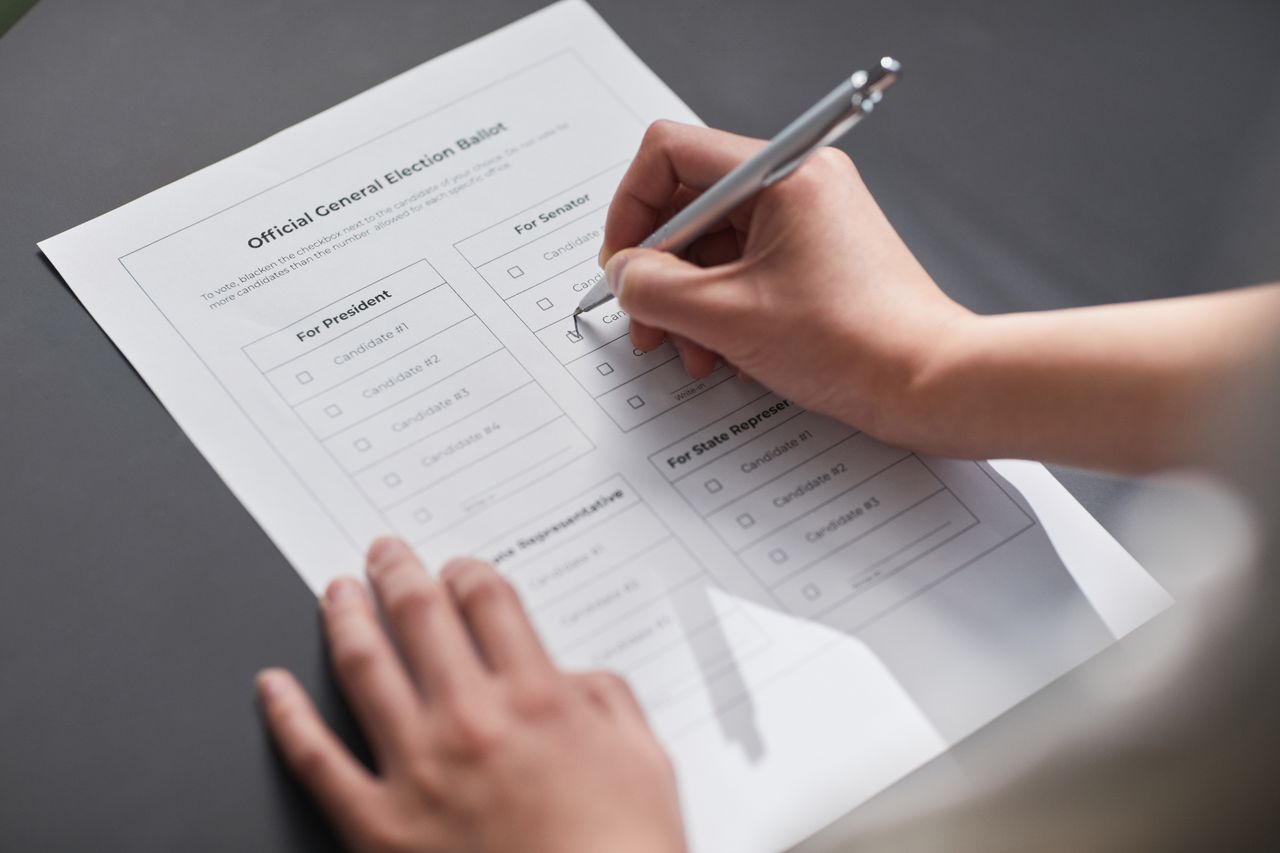
Chester County’s current poll worker manual distinguishes a paper jam after a ballot has been counted from one before it has been counted. The DS200 scanner’s screen tells poll workers which situation they are handling.
The county’s scanner troubleshooting instructions direct workers to show the voter whether the ballot was counted. For residents preparing for the November 3 general election, that makes the screen message worth checking before leaving the machine.
What the two devices do
The Election Officer’s Manual linked by Chester County identifies the DS200 as a tabulator and describes the ExpressVote as a ballot marker. Its equipment instructions treat them as separate devices, with different jobs.
Pennsylvania’s Chester County voting system guide says most local voters mark paper ballots by hand. Some use the ExpressVote 2.1 touchscreen to make selections and print a ballot. That printed record gives the voter another opportunity to check the choices after reviewing them on screen.
Review the paper before casting it
Chester County’s sample ballots for November 3 instruct voters to darken the selected oval completely, use a blue or black ink pen and request a new ballot after a mistake. The state guide also advises checking both sides of every page and the allowed number of selections. Voters may leave a contest blank.
If a selection needs changing, ask a poll worker for a replacement before scanning. The state advises against trying to repair the marked ballot. ExpressVote users should also inspect the printed ballot and seek help if they need to change it.
The state guide describes a scanner confirmation screen as the indication that a ballot has been cast. An unfamiliar message is a reason to ask the poll worker for help before walking away.
A jam message needs a specific response
The county’s DS200 instructions distinguish three conditions: a counted ballot that has not dropped into the collection area, a ballot that has not been counted, and a ballot the machine will not accept.
Those are different conditions even though each can interrupt the movement of paper. The county assigns troubleshooting to election workers. Its voting system report instructions require a worker to contact the county’s machine support line when equipment malfunctions and document the incident. Voters should let the worker explain the displayed status and handle the equipment.
What the published records can establish
The public guidance does not provide a consistent description of every casting step. The state page lists DS200 and DS300 scanners, while the county manual describes DS200 equipment. The state’s ExpressVote section also describes reinserting the printed ballot into that device; the county manual describes ExpressVote as a marker. Records reviewed for this guide do not establish the equipment assignment at each precinct. Ask the local election worker to identify the casting device before inserting the ballot.
Separately, the county’s reconciliation explanation describes comparisons among scanner totals, numbered voter lists and ballot records. That accounting process addresses whether the records balance. It does not replace the voter’s opportunity to review the selections on paper.
Check the local information before going
Use the county’s in person voting page for current polling place links. Voter Services lists 610 344 6410 for questions. Confirm equipment or accessibility needs with that office before Election Day.
Readers handling a mailed ballot can consult the Wright Report’s Chester County ballot tracking and replacement guide. More local reporting appears in the Chester County coverage hub.
Illustrative stock photograph of a staged sample ballot, not a Chester County ballot or voting machine. Photo by Edmond Dantès on Pexels, used under the Pexels License.
Related articles
Chester County
Chester County’s firewall plan: What zero trust means
A guide to Chester County’s firewall, network switch and storage plans, and how federal zero trust guidance helps explain the work beyond buying equipment.

Chester County
Downingtown stream sensors: How E. coli estimates work
A guide to Downingtown’s USGS stream sensors and E. coli model, including satellite updates, changing measurements and differing seasonal notices.
Chester County
West Chester parking payments: App, kiosks and ticket help
A guide to West Chester’s ParkMobile payments, card kiosks and ticket portal, including conflicting instructions in the borough’s parking pamphlet.

Cameras and Imaging
West Chester’s 2027 drone and camera spending proposals
West Chester’s draft lists a police drone and separate camera expenses. Earlier budget records explain the grant offset behind the body camera comparison.